

Facebook & Instagram Ads for Beginners (Complete Step-by-Step Guide for 2026)

If you’re starting with Facebook and Instagram Ads in 2026, or you’ve tried them before but weren’t sure if you set things up correctly, this guide is for you.
I’m going to walk you through exactly how I recommend setting up Meta Ads from scratch without overcomplicating things, without unnecessary “advanced” settings, and without the common beginner mistakes that waste money.
Think of this as me sitting next to you and explaining every decision, why it matters, and what you should ignore for now.
How Facebook & Instagram Ads Actually Work (Big Picture)
Before touching Ads Manager, you need to understand one thing:
Meta Ads work best when you tell the system exactly what result you want.
Meta’s AI is extremely powerful, but it’s also very literal. If you ask it for clicks, it will get clicks. If you ask it for leads or sales, it will optimize for people most likely to convert.
That’s why setup decisions matter more than hacks.
Step 1: Set Up Meta Business Manager (Mandatory)
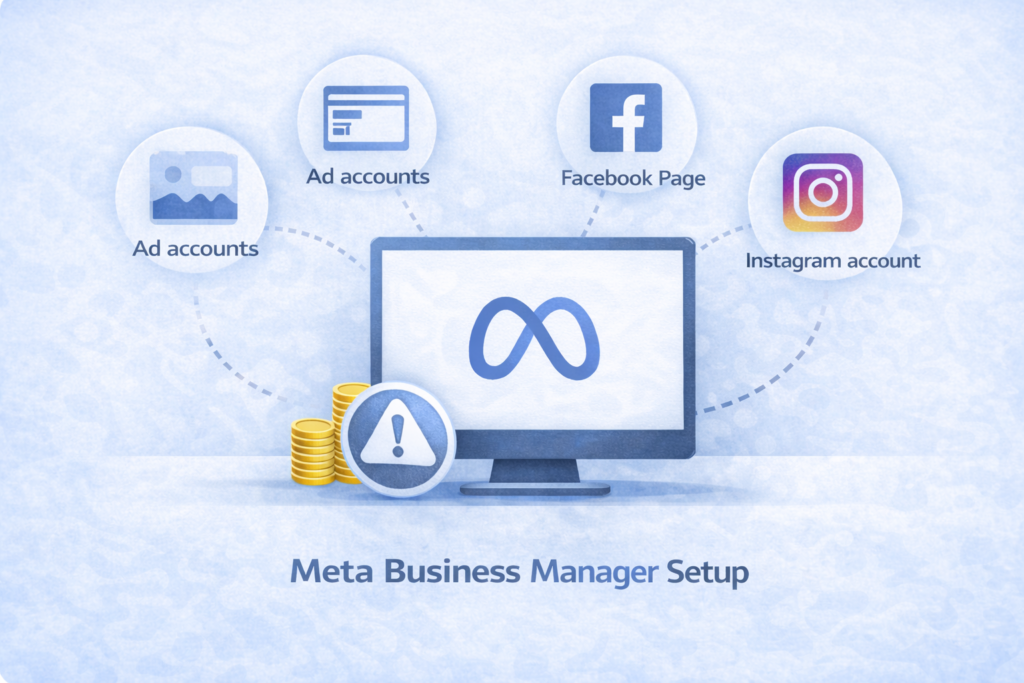
Everything in Meta Ads runs through Meta Business Manager.
This is where Meta stores:
- Your ad account
- Facebook Page
- Instagram account
- Pixels, access, permissions
What I Recommend:
- Go to business.facebook.com
- Make sure you’re logged into your Facebook profile
- Follow the setup steps (business name, email, details)
Once done, you’ll land inside Meta Business Suite.
Step 2: Add Your Core Assets (Do This First)
Inside Business Settings, add:
Facebook Page
- Add existing page (most common)
- Or create a new one if needed
Instagram Account
- Must be a Professional account
- Personal accounts will be converted automatically
Ad Account
You have two options:
- Create a new ad account (if you’ve never run ads)
- Add existing ad account (if you’ve boosted posts before)
Important: Choose the correct currency and timezone. These are very hard to change later.
Step 3: Understand Meta’s 3-Level Campaign Structure
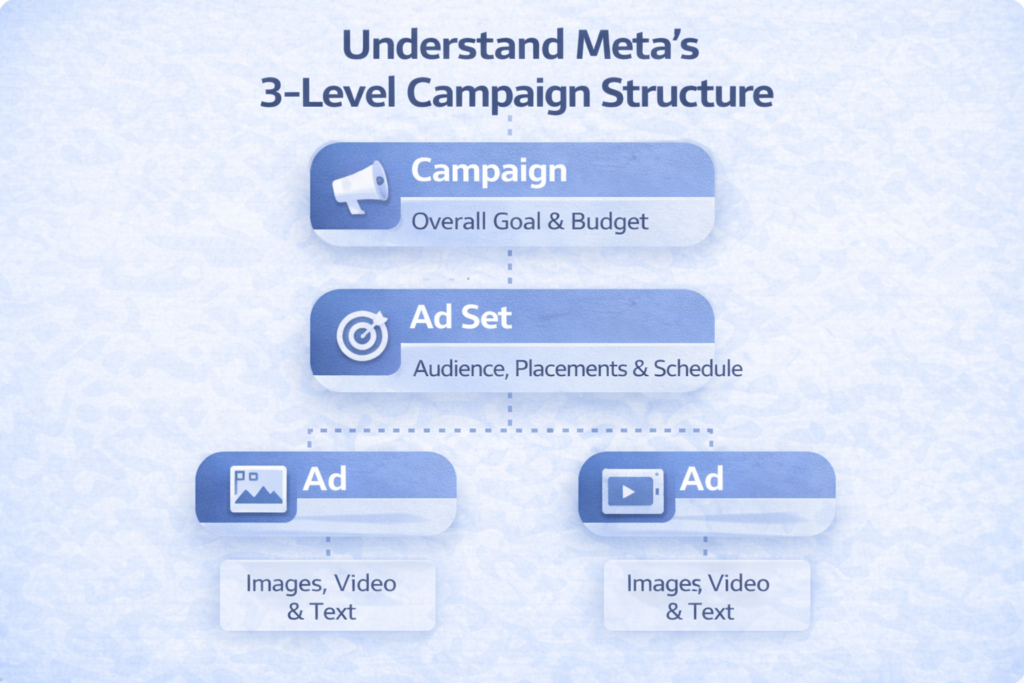
Every Meta campaign has three levels:
- Campaign → What result you want
- Ad Set → Who sees the ads & budget logic
- Ad → What people actually see
Once you understand this, everything becomes easier.
Advertising platforms are becoming increasingly AI-driven in 2026. I explained these broader platform changes and automation trends in my complete Google Ads 2026 guide.
Step 4: Create Your First Campaign (Correctly)
Go to Ads Manager → Campaigns → Create
Buying Type
Always choose Auction
(Reservation ads are cheaper but lower quality)
Campaign Objective (Critical)
In 2026, beginners should focus on only two objectives:
Leads
Use if people:
- Book calls
- Fill forms
- Request quotes
Sales
Use if people:
- Purchase directly on your website
Avoid for beginners:
- Awareness
- Traffic
- Engagement
These often look “busy” but don’t convert.
Running Facebook or Instagram ads but not getting consistent results?
I help businesses improve:
- Campaign structure
- Audience targeting
- Ad creatives
- Lead quality
- ROAS and conversion performance
👉 Book Your Free Meta Ads Audit
Step 5: Campaign Budget & Bidding (Keep It Simple)
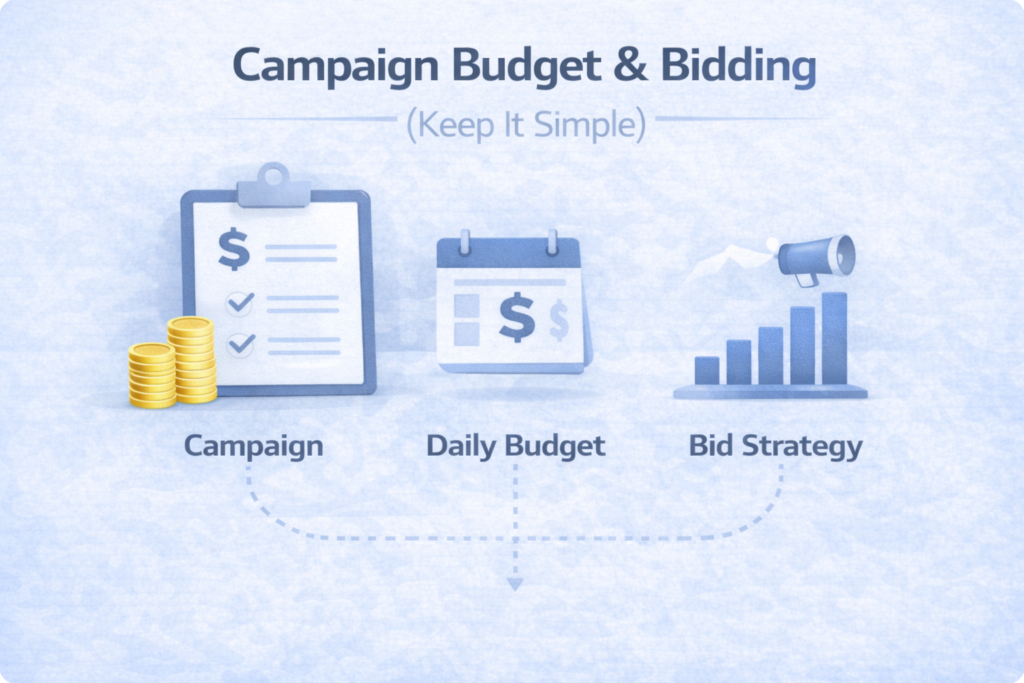
Budget Type
Use Daily Budget for more control and easier scaling.
How Much to Spend?
There’s no perfect number.
I recommend spending an amount that would sting a little if it didn’t work, but wouldn’t hurt your business.
This keeps you:
- Involved
- Paying attention
- Testing properly
Bid Strategy
Leave it on Highest Volume. Don’t set cost caps as a beginner.
Step 6: Special Ad Categories (Only If Required)
Select this only if you advertise:
- Finance
- Jobs
- Housing
- Politics / Social issues
If you skip this when required, your entire ad account can be restricted.
Step 7: Ad Set Setup (Targeting Done Right in 2026)
Conversion Location
For beginners, I recommend Website.
(Instant forms, WhatsApp, Messenger can be tested later)
Step 8: Performance Goal (This Can Make or Break Results)
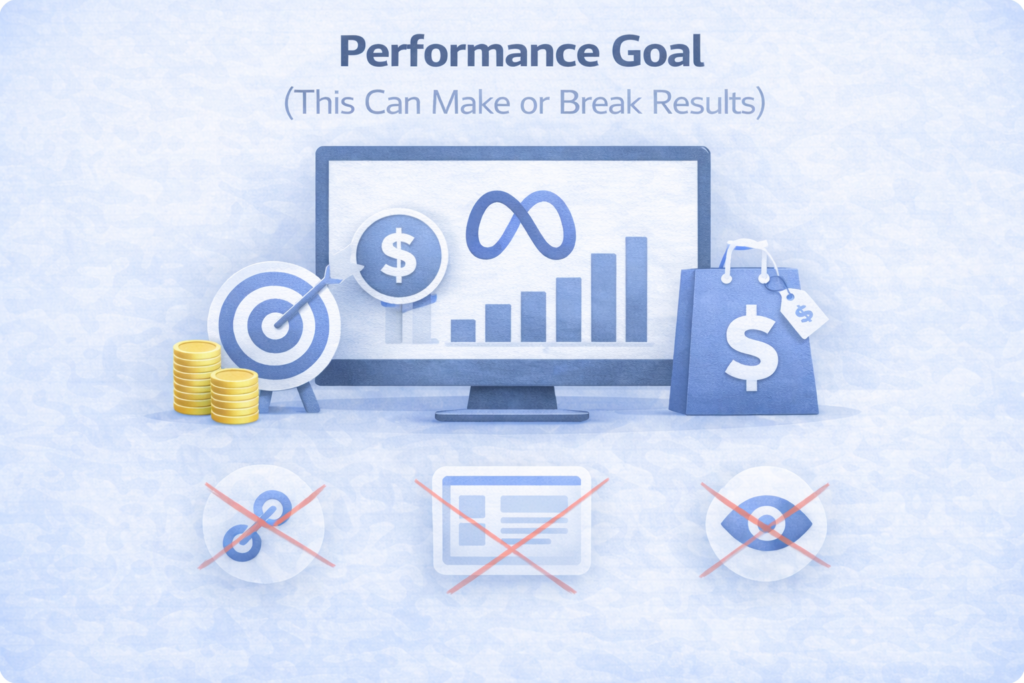
This tells Meta how to optimize delivery.
For Leads:
- Maximize number of conversions → One service
- Maximize value of conversions → Multiple services with different values
For Sales:
Always optimize for Purchase Value, not clicks or views.
Never choose:
- Link clicks
- Landing page views
- Impressions
That turns your campaign into a traffic campaign.
Modern advertising is shifting from simple targeting toward demand creation and audience influence. My Google Demand Gen strategy guide explains this strategy shift in detail.
Step 9: Pixel & Tracking (Non-Negotiable)
Before running ads:
- Install Meta Pixel
- Preferably set up Conversions API
Then select:
- Lead event (for lead gen)
- Purchase event (for eCommerce)
If Meta can’t track conversions, it can’t optimize.
Step 10: Location Targeting (Don’t Overthink This)
Rule I follow: Advertise where your customers actually are.
- Local business → radius targeting
- National business → country level
- International → multiple countries
Don’t artificially restrict locations. Meta will naturally spend more where results are better.
Step 11: Audience Targeting (Modern Meta Ads)
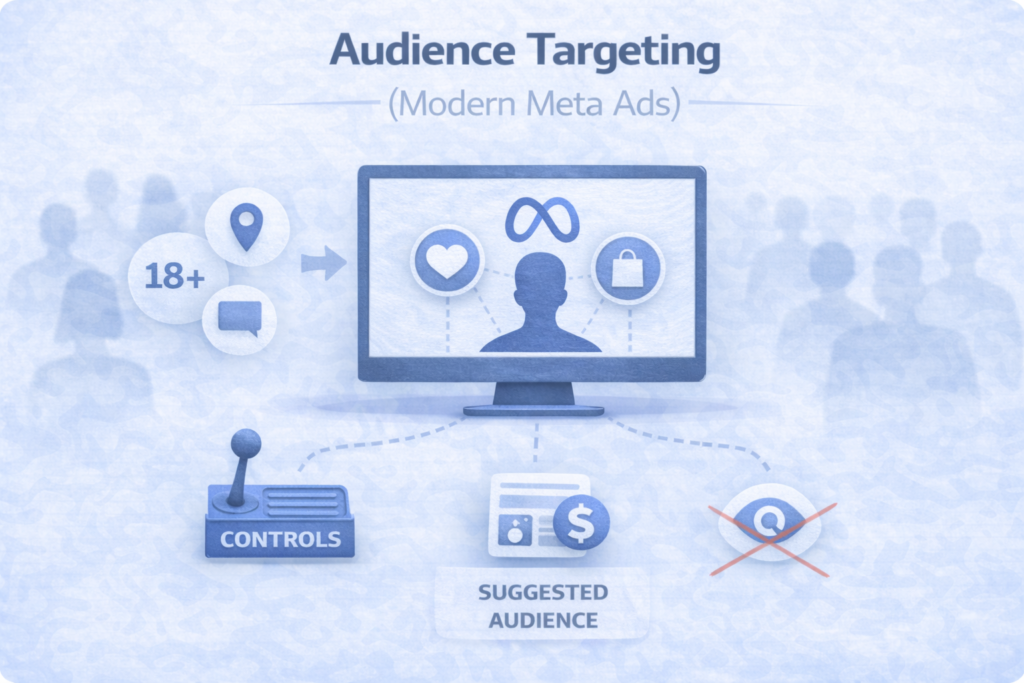
In 2026, targeting works differently.
Controls = Hard Limits
- Location
- Minimum age
- Language
Suggested Audience = Guidance
- Interests
- Demographics
- Behaviors
Meta can go beyond suggestions to find converters.
My Advice:
- Add basic interests
- Avoid “narrowing”
- Let Meta learn
Beginners can also explore Meta’s official Instagram and Facebook ads guide to understand different ad formats and campaign objectives.
Step 12: Placements (Let Meta Decide)
For Leads & Sales, use Advantage+ Placements (all platforms, all placements).
Only remove placements if:
- You’re forced to use Traffic objective
- You can’t track conversions
Step 13: Create Your First Ad (Simple > Fancy)
Ad Setup
- Create new ad
- Manual upload
- Single image or video
Image ads are easier for beginners.
Step 14: Ad Creative That Actually Works
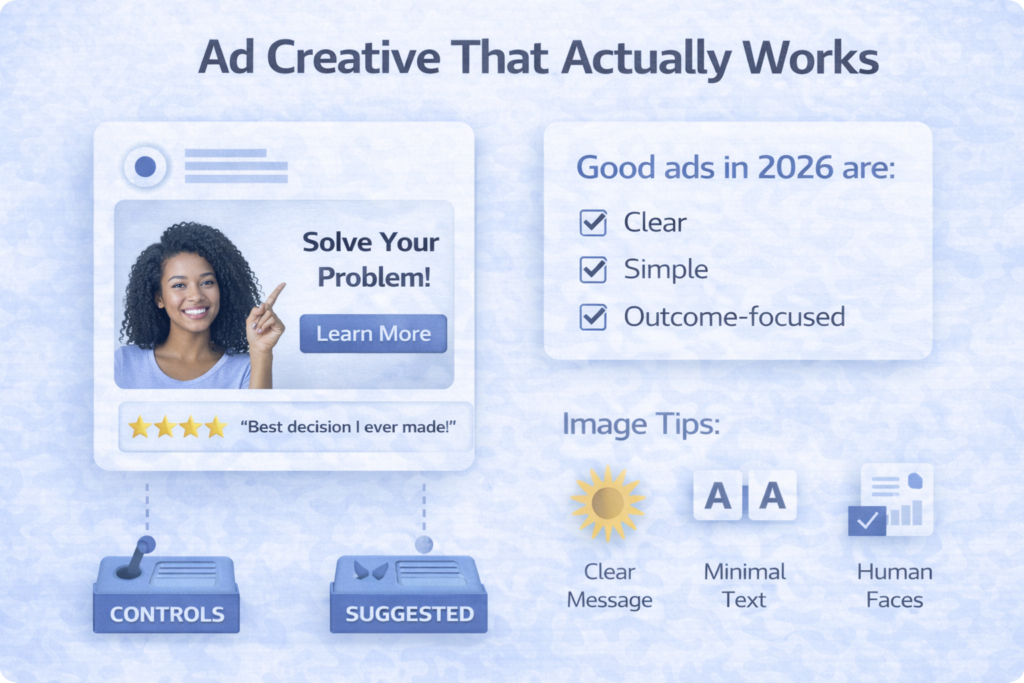
Good ads in 2026 are:
- Clear
- Simple
- Outcome-focused
Image Tips:
- One clear message
- Minimal text
- Human faces work well
- Proof helps (results, testimonials)
Copy Structure I Use:
- Call out the problem
- Highlight the benefit
- Introduce credibility
- Add scarcity or urgency
- Clear CTA
Short beats long.
Step 15: Headlines, Descriptions & CTA
- Add multiple headline options
- Use simple language
CTA should match intent:
- Learn More
- Get Quote
- Book Now
- Shop Now
Don’t overthink this.
Step 16: Creative Enhancements (Trust Meta, But Review)
Meta will suggest:
- Image variations
- Text variations
- Animations
- Music
My Approach:
- Review everything
- Remove anything that changes the core message
- Let Meta test small variations
Step 17: Publish & Let the Campaign Learn
Once live:
- Expect 24–72 hours learning phase
- Don’t touch settings too early
Look at:
- Cost per result
- Conversion volume
- CTR trends
Recommended Beginner Campaign Structure
Start with:
- 1 Campaign
- 1 Ad Set
- 1–2 Ads
This keeps:
- Learning clean
- Data clear
- Optimization simple
You can scale complexity later.
Final Advice (Important)
Facebook & Instagram Ads in 2026 are not about clever targeting tricks.
They are about:
- Clear objectives
- Clean tracking
- Simple structure
- Strong messaging
- Patience
If you get the foundation right, Meta’s AI will do the heavy lifting.
Strong advertising performance also depends on having a clean Google Ads account structure with proper organisation, reporting, and optimisation signals.
Want Better Facebook & Instagram Ad Results in 2026?
Meta Ads are becoming more AI-driven every year. Winning campaigns now depend on better creatives, audience signals, and campaign strategy not just boosting posts.
If you want help scaling profitable Facebook and Instagram campaigns, let’s work together.
